The first attempt to do an Inventor Hangout was a pretty abysmal affair.. I ended up talking to Inventors by phone instead!... but still seems worthwhile exploring so lets try a new tack.
First of all you must have a web cam and a microphone connected to your computer... or if you have a smartphone you can use the Google Plus app to join the Hangout from your phone!
Step 1:
First of all I recommend you go to this page:
http://www.google.com/+/learnmore/hangouts/?hl=en
To see how Hangouts work and also to see if you can Sign in to Google Plus or need to join Google plus top be able to do the Hangout.
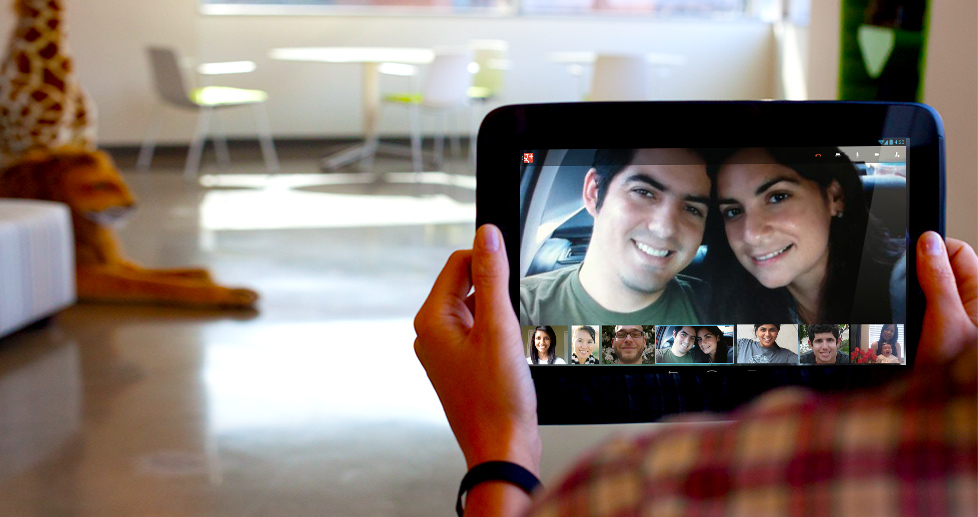

First of all you must have a web cam and a microphone connected to your computer... or if you have a smartphone you can use the Google Plus app to join the Hangout from your phone!
Step 1:
First of all I recommend you go to this page:
http://www.google.com/+/learnmore/hangouts/?hl=en
To see how Hangouts work and also to see if you can Sign in to Google Plus or need to join Google plus top be able to do the Hangout.

Step 2:
If you havent already done so you need to download the Google Hangout plug in on this page:
And install it on your computer...
Step 3:
I will be inviting you to the hangout from my account.. so you will receive your hangout invite FROM YOUR GOOGLE PLUS PAGE. Not from your email
I will be trying out the event feature which may deliver an email but from what I can tell your invite will only appear on your Google Plus page...
It takes a while for the session to start but be patient... you can also call Ric on his mobile phone to make sure you are connecting.. I will be sending an email with my phone number before the hangout starts... expect to see the hangout invite about 5-1 minute before the hangout starts as I am often booked back to back with other work...
Hope it all works this time.
Ric

